 EN

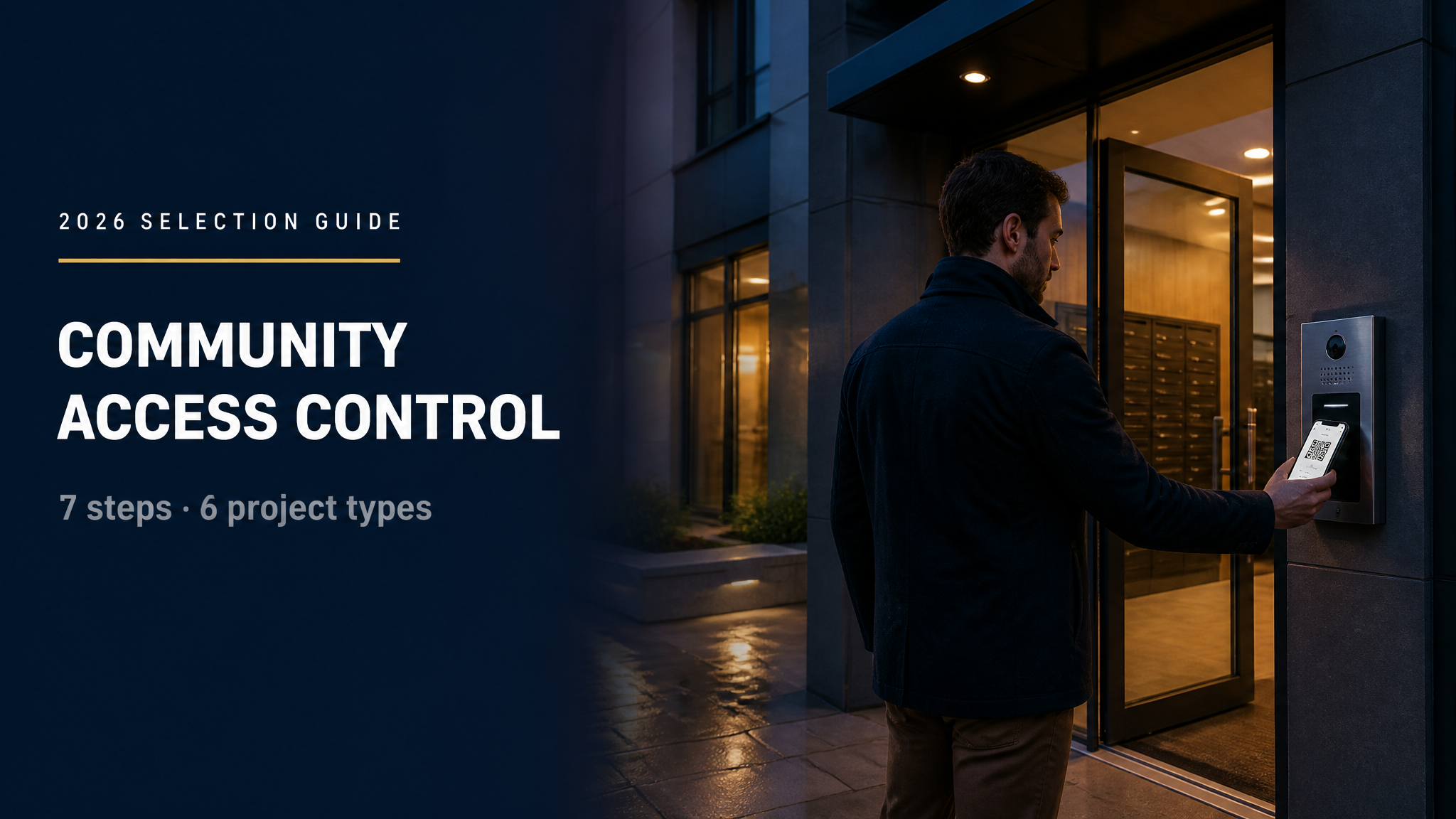
Table of contents
- Start with the scenario, not the hardware
- Read the cabling conditions at every door
- Make credentials stackable, not either/or
- The platform decides more than the hardware
- Integration means fewer backends, not more features
- Cost five years, not one unit price
- How to tell the manufacturer will still be there
- Execution sheet and acceptance checklist
- Six selection mistakes
Quick answer
Choosing a community access control system comes down to three decisions, in this order: the scenario, the cabling at each door, and only then the device format.
The scenario tells you whether you are managing long-term resident permissions or fast-changing tenant permissions. The cabling tells you whether to go wired or wireless. Credentials — face, QR code, Bluetooth, card, PIN — should be decided last, because they stack.
What separates good projects from bad ones is narrower than it looks: whether the platform handles authorisation, lease expiry, lost-card suspension and reporting in one place, and whether the manufacturer still stocks spares in year five.
Key takeaways
- A scenario-led community access control system needs roughly half the rework of a catalogue-led one.
- On retrofits, price a cable-free design before assuming new trenching.
- Design credentials to stack, never as an either/or choice.
- Access control, intercom, lift, parking and EV charging on one backend removes repeated data entry.
- Vet vendors on four things: years in business, own factory and certifications, R&D team, support model.
Image requirement: filename
community-access-control-system-unit-door-station.jpg, alt text:Community access control system unit door station installed in a residential block
1. Start with the scenario, not the hardware
The same word covers six very different problems. Match the project first, then talk about models.
Rule of thumb: the more often permissions change, the more of the budget belongs in the platform and in the authorisation workflow. The more stable the population, the more you can spend on hardware form factor.
2. Read the cabling conditions at every door
For a community access control system, the cabling conditions decide both the budget and the programme. This is the step most often skipped. In older buildings and scattered sites, new cabling frequently costs more than the equipment.
One warning: "wireless" does not mean "no power". Lock power, reader power and backup batteries still need a site solution. Draw the power plan alongside the data plan.
3. Make credentials stackable, not either/or
Community populations are mixed: elderly residents, children, tenants, cleaners, couriers, visitors, contractors. A single credential type will always lock somebody out.
Three questions are worth more than "how many unlock methods do you support".
First, can several credentials be active at once, or is it one mode at a time?
Second, can temporary permissions carry a start and end time? Visitors, cleaners and contractors need expiry.
Third, what happens when a card or code is lost — one backend click, or a site visit?
4. Why the platform decides more in a community access control system
A failed reader is one swapped unit. A bad platform consumes the whole property team's time.
The high-frequency work in a community access control system all happens in the backend: bulk creation and import, auto-revocation on lease expiry, tiered administration from HQ to project to building, lost-card suspension, access and visitor reporting, and switching between projects.
Match the deployment model to the site.
Image requirement: filename
community-access-control-system-platform-dashboard.jpg, alt text:Community access control system management platform showing permissions and reports
5. Integration means fewer backends, not more features
The most common hidden cost is seven vendors, seven consoles and seven sets of accounts: access control, intercom, lift control, parking, EV charging, billing and CCTV.
The property team switches between seven screens every day, and error rates follow.
What integration actually buys you is four things. Enter once, apply everywhere — a resident record enables access, intercom, parking, billing and lift at the same time. One identity across the site. One report that answers one question. And one service window when something breaks.
The trade-off is honest: an integrated platform demands breadth from the vendor. If a subsystem is bought in, the experience will show.
Ask which parts are designed and manufactured in-house and which are integrated, and require a live demonstration of a cross-subsystem workflow.
6. Cost five years, not one unit price
Access control quotations usually list hardware only. The spending happens afterwards.
What does cable-free actually save? Labour, wall restoration, resident coordination and programme time. On an older community those often exceed the hardware difference — provided signal and power were verified during the survey.
7. How to judge a community access control system vendor
Access control is a five-to-ten-year asset. Choosing a vendor is really choosing who can still supply spares in year five.
Four hard indicators. Years in business and focus. Whether they own a factory, because lead time, customisation and repair are far more controllable than with a trading company. Certifications and IP. And the support model: local presence, or documented remote support.
Overseas projects usually run on a split of local installer plus remote vendor support: the installer does physical work and first-line attendance, the vendor solves configuration and firmware issues remotely. Write that division of labour into the contract — it is the most common gap in cross-border projects.
As a worked example, here is what Thinmoo (Shenzhen Thinmoo Smart Technology Co., Ltd.) can be checked against: founded in Shenzhen in 2014, focused on smart community, smart campus and smart apartment space management; own 2,000 m² factory with ISO 9001 and CE certification and National High-Tech Enterprise status since 2019; multiple patents and software copyrights; an R&D team with 20+ years of product development experience; business across 60+ countries and regions, serving tens of thousands of customers.
Domestically, sales and service points sit in Shenzhen (HQ), Xi'an (Northwest China) and Xiamen (Fujian). Overseas, support is delivered through online technical support for commissioning, configuration, troubleshooting and firmware, with on-site installation handled by the local installer.
Image requirement: filename
community-access-control-system-face-terminal.jpg, alt text:Community access control system face recognition terminal in use at a lobby entrance
Further reading: Thinmoo product ranges | Smart community solution
External references: Access control: definition and system components (Wikipedia) | FAQPage structured data specification (schema.org)
8. Execution sheet and acceptance checklist
- Define the scenario — classify the project, write down the core problem.
- Walk the site — door by door: frame, power, signal, existing cable.
- Fix the architecture — wired or wireless, platform model, integrated or not.
- Fix the credentials — a stackable combination plus expiry rules.
- Shortlist vendors — three, all asked for factory evidence and spares commitments.
- Run a pilot — 3–5 hardest points, 2–4 weeks.
- Write it into the contract — acceptance criteria, response time, spare lead time, expansion price.
Step 6 is the one that gets cut and the one that pays. The pilot runs on your hardest unit doors; if those work, the site-wide risk is largely retired.
Acceptance checklist
- Every credential type works at every point (face, QR, Bluetooth, card, PIN).
- Suspension, reissue and permission changes sync to devices after a backend action.
- Temporary permissions expire automatically with no manual step.
- Lease expiry revokes access automatically (mandatory for rental and public housing).
- Power-loss and network-loss behaviour matches the design and has been measured.
- The visitor flow works end to end: booking, verification, entry, logged record.
- Lift, parking and charging linkage work as designed (where included).
- Reports export and open in Excel with the required fields.
- Admin accounts and roles configured; default credentials changed.
- As-built drawings, point schedule, credential register and admin manual handed over, with staff trained.
9. Six selection mistakes
Most failed community access control system projects are procurement failures, not product failures. These are the six that repeat.
- Choosing devices before choosing the scenario, then discovering nobody owns the visitor workflow.
- Forcing wired into an old building — trenching costs spiral and the programme slips a quarter.
- Supporting only one credential; the elderly and the children complain first.
- Ignoring the platform, then exporting spreadsheets by hand every day.
- Seven separate backends that each work and none of them together.
- Never asking about spares and expansion until year three, when adding a building doubles the quote.
Frequently asked questions
Can we avoid re-cabling when retrofitting an older community?
Yes, with a wireless backhaul. Door stations talk to the platform over 4G, LoRa or WiFi, which removes the cable run from the unit door to the comms room and cuts trenching and restoration costs.
Two caveats: power still has to be solved on site, and signal must be measured during the survey, especially in basements and thick-walled buildings.
QR code or card access for rental apartments?
For high-turnover rental, QR codes win. They are issued remotely at move-in, time-limited, and revoked from the backend at move-out, with no physical card to collect.
Cards remain the most reliable fallback for elderly residents and children. The practical design is both: cards for long-stay households, QR or Bluetooth for tenants and visitors.
What should we watch out for with face recognition?
First, notice and consent, with a card or QR alternative always available so face is never compulsory.
Second, placement and lighting, because backlit unit doors and weak night lighting measurably reduce recognition rates.
Third, database hygiene, because residents who move out must be removed or the system keeps letting them in.
How do we make access expire automatically when a tenant moves out?
Bind permissions to the lease rather than deleting people by hand. Create each tenant's authorisation with a start and end date so expiry or move-out revokes access, lift, parking and charging rights together.
Ask three questions when evaluating vendors: can you import a lease table, can permissions expire on a date, and is the expiry logged.
Should access control, intercom, lift, parking and charging share one platform?
The larger the project, the stronger the case. One platform means a resident record enables every subsystem at once, and the property team maintains one set of accounts and one report.
The trade-off is vendor breadth, because a bought-in subsystem drags the experience down. Ask what is in-house and what is integrated.
Is wireless access control reliable, and what happens when the network drops?
It is reliable where signal is measured and power is stable; the survey matters more than the device.
Outage behaviour depends on the design. Some products store credentials locally, so doors keep working and records upload later; others depend entirely on the cloud. Get that stated in writing and tested at acceptance.
How long does a community project take?
For a retrofit of 10–30 unit doors, expect 3–7 days of survey and design, 1–3 weeks of equipment lead time, 1–3 weeks of installation and commissioning, and 3–7 days of data entry and training.
A cable-free design often halves the installation phase. Cabling upgrades or lift and parking linkage need cross-trade time built into the survey.
What if the vendor has no local office in my country?
That is normal for cross-border projects and workable if the support model is defined up front.
The usual split is a local installer for physical work and first-line attendance, with the manufacturer supporting remotely: commissioning guidance, remote configuration, troubleshooting, firmware updates and spare-part shipping.
Secure four things in writing: the response window, the support channels, who diagnoses versus who physically fixes, and the spare-part lead time.
How do we tell a manufacturer from a trading company?
Ask for four documents: business licence and years in operation, factory footage or a plant visit, the certification and patent list, and live references of the same project type.
Then ask two questions: the spare-part lead time, and how many more years the model will be supplied. A manufacturer answers all six at once.
Closing
There is no single best community access control system — only the right combination for your site.
Fix the scenario and the cabling first, decide credentials and devices second, then use platform capability and five-year cost to make the final cut. That order removes most of the risk.
To discuss a specific project, contact Thinmoo: +86 0755 28688395, or visit doormaster.me.
Table of Contents
- Table of contents
- Quick answer
- 1. Start with the scenario, not the hardware
- 2. Read the cabling conditions at every door
- 3. Make credentials stackable, not either/or
- 4. Why the platform decides more in a community access control system
- 5. Integration means fewer backends, not more features
- 6. Cost five years, not one unit price
- 7. How to judge a community access control system vendor
- 8. Execution sheet and acceptance checklist
- 9. Six selection mistakes
- Frequently asked questions
- Closing